LAN Clipboard Sync.
Just Speed.
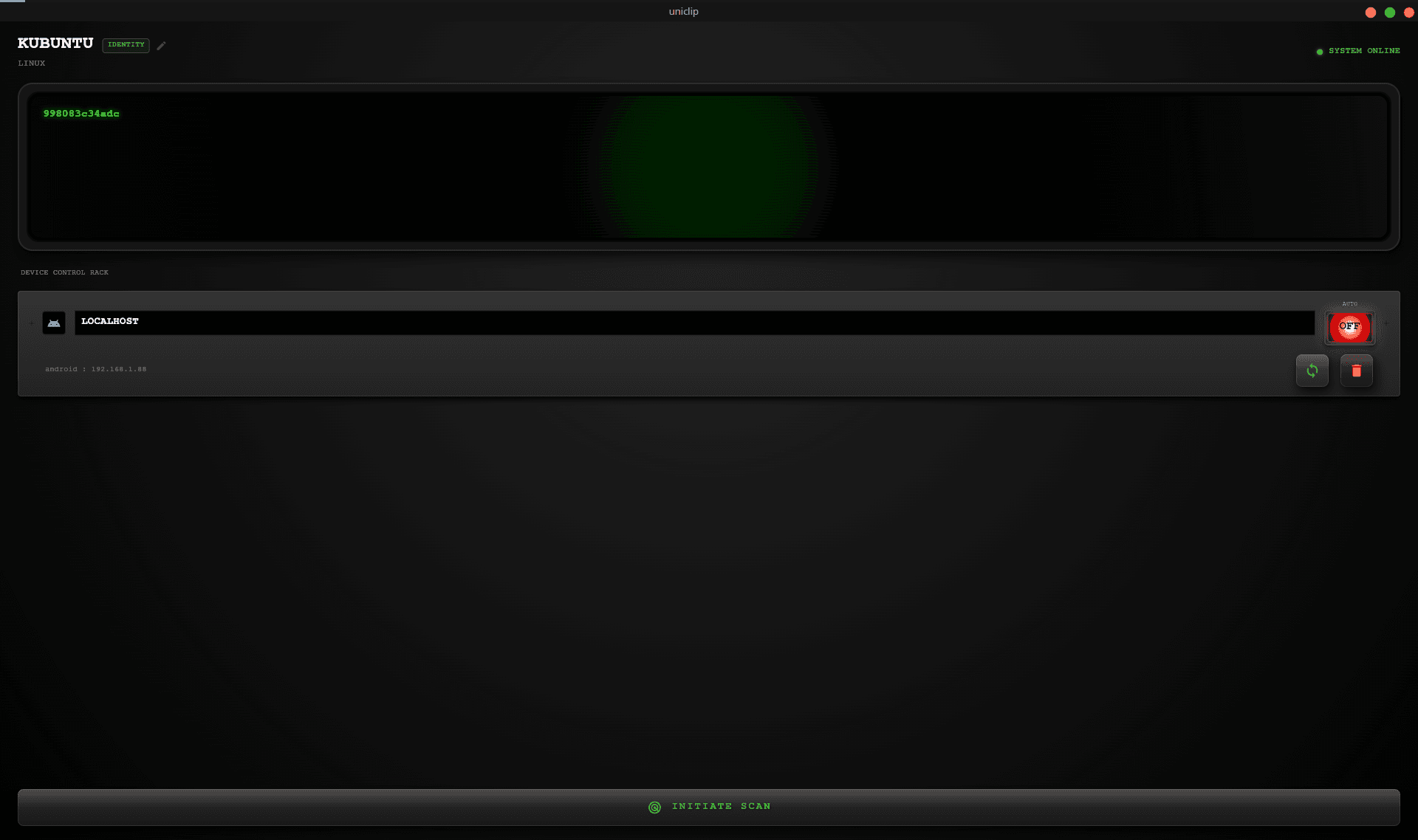
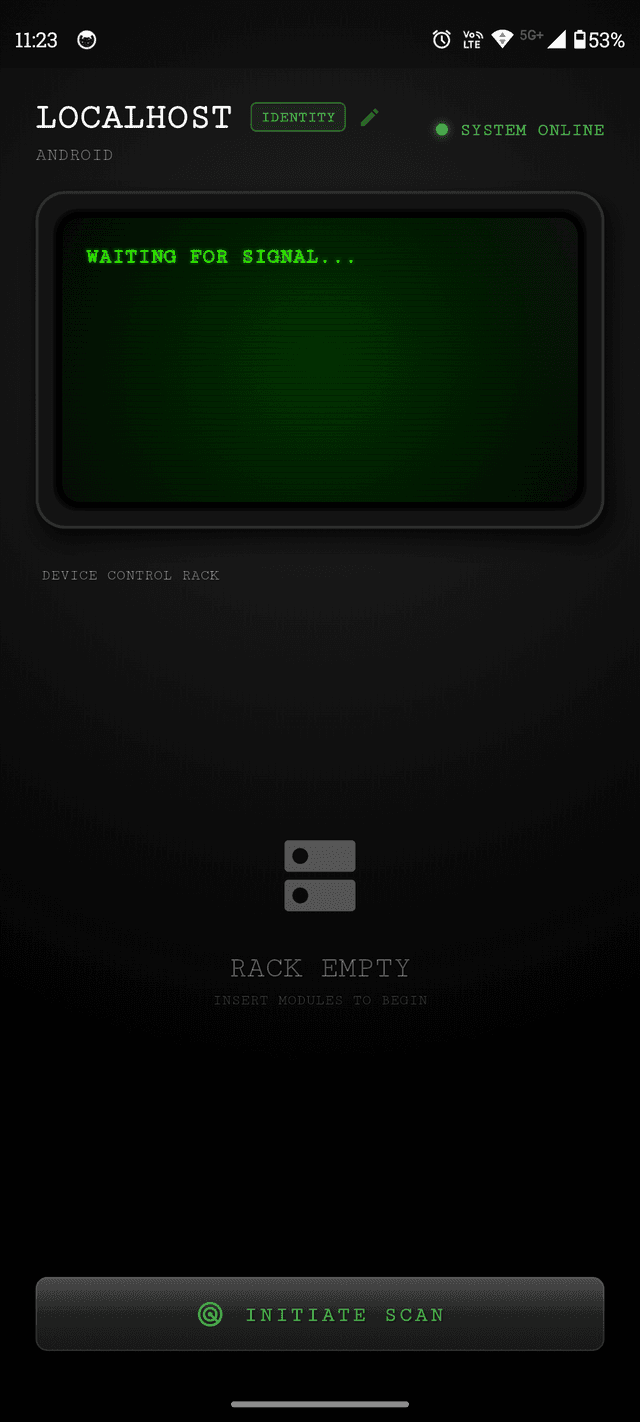
Uniclip is a privacy-first, LAN-only clipboard synchronization tool. Share text and images between Android, Windows, and Linux instantly. No Cloud. No Accounts.
Why Uniclip?
Built for speed, privacy, and simplicity.
Privacy First
Your clipboard data differs from your browser history. It's private. Uniclip keeps it on your LAN.
No Cloud
No external servers. No accounts. Just 100% local transfer.
Blazing Fast
Direct TCP connections mean instant text paste and optimized image transfer.
Trust-Based Pairing
Explicit 6-digit code pairing. Trust on first use, secure forever.
Auto-Discovery
Devices automatically find each other on your Wi-Fi network.
Cross Platform
Seamlessly sync between Android, Windows, and Linux. Supports X11 & Wayland.
How it Works
Just three steps to seamless clipboard sync.
1. Copy
Copy text or images on any device.
2. Sync
Uniclip transfers data instantly over LAN.
3. Paste
Paste immediately on your target device.
Zero servers.
100% Local.
Uniclip isn't a cloud service. It's a local runtime engine that bridges your devices directly.
No Middleman
Data goes directly Device A → Device B.
UDP Discovery
Instant peer finding purely on LAN.
Encrypted Storage
Secrets stored in OS secure keychains.
Native Performance
Optimized engine written for speed.
{
  "topology": "peer-to-peer",
  "transport": "TCP/IP",
  "discovery": "UDP Broadcast",
  "encryption": "TLS 1.3",
  "cloud_dependency": false,
  "accounts": null,
  "telemetry": false
}
Installation
Get up and running in seconds.
Android
Download the APK and enable “Install unknown apps”.
Windows
Unzip and run the .exe. Ignore SmartScreen warning.
Linux
Either run using AppImage or install deb package on debian based distros.